Vibe Coding Class 02 — Homework
Vibe code a Fitness App with AI
Step-by-step tutorial: 3 implementation tracks using Google AI Studio, Google Stitch, and Claude Code + Claude Kit.
What You'll Build
A complete fitness web app — BMI calculation, personalized workout plan, and meal suggestions.
VietFit Bodybuilding Planner
A Vietnamese-context fitness planning app: input your stats, get your macros, workout schedule, and meal plan — all in one HTML file.
Pure HTML/CSS/JS — no frameworks, no build tools
Choose Your Track
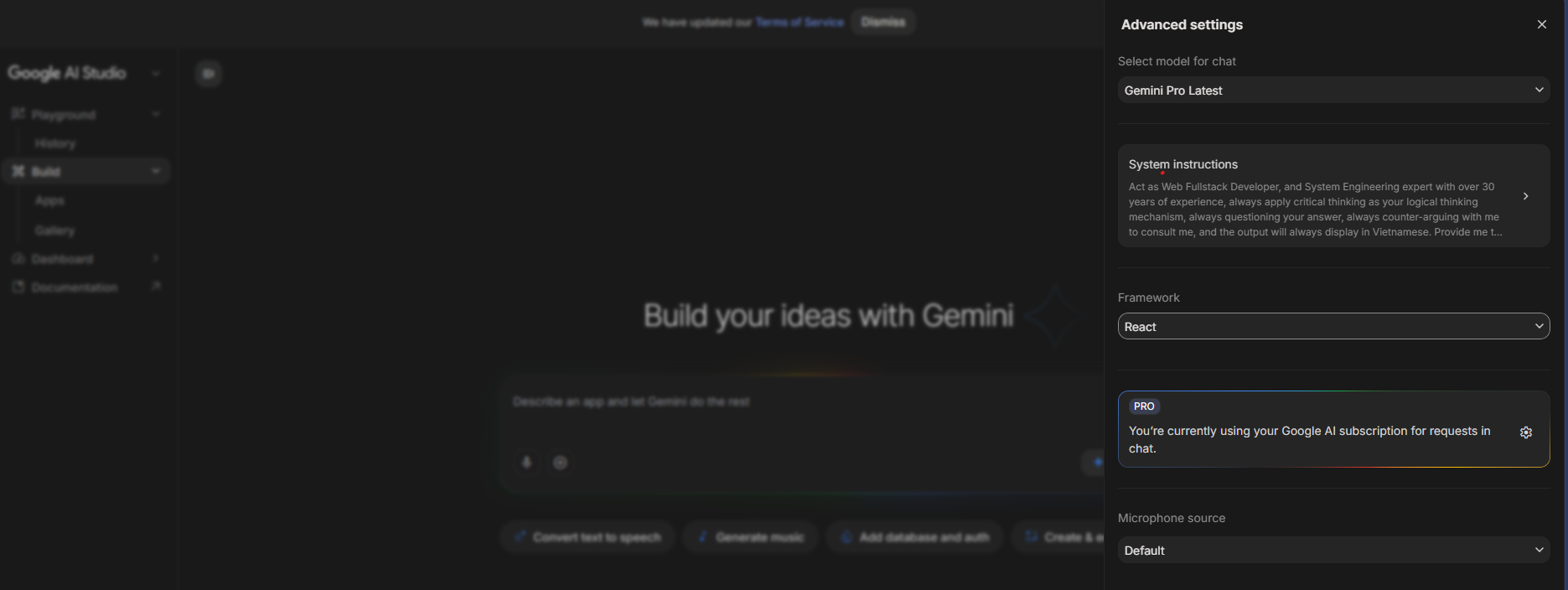
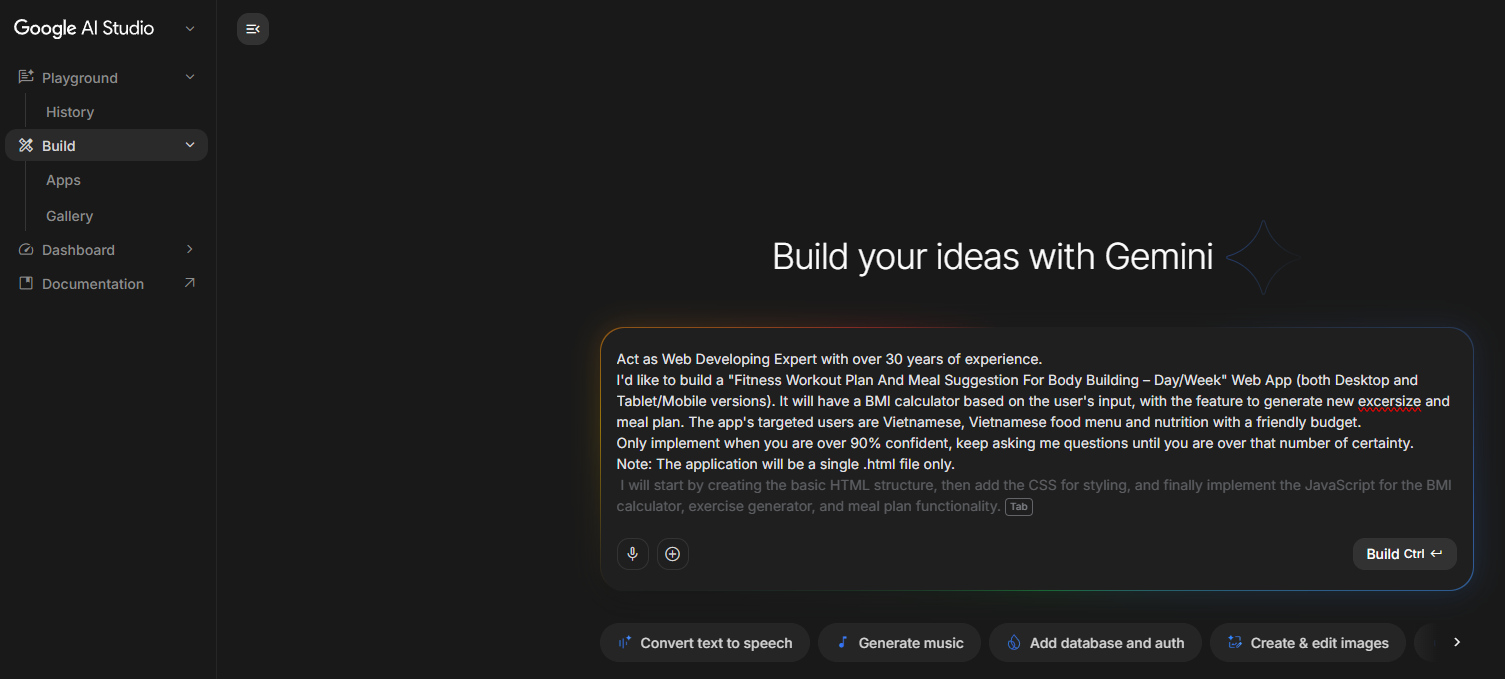
Pick the AI tool that matches your workflow. All 3 produce the same fitness app.
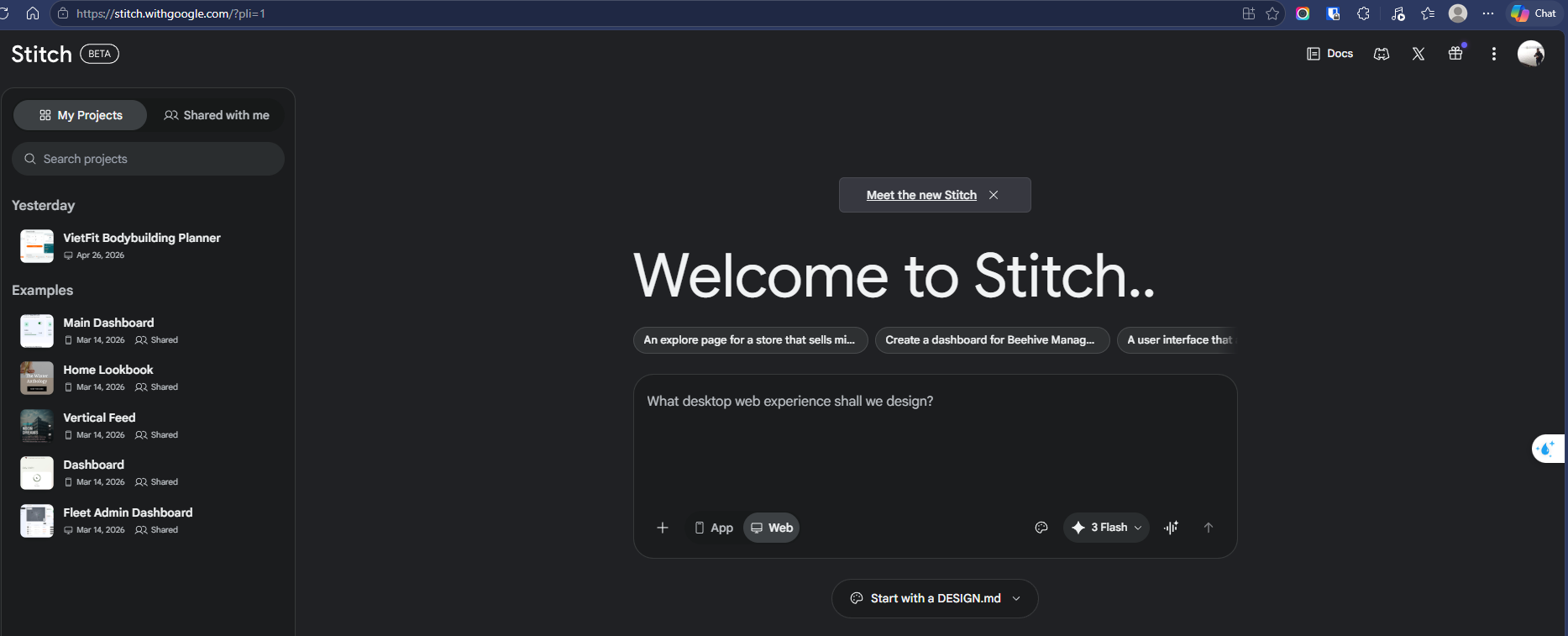
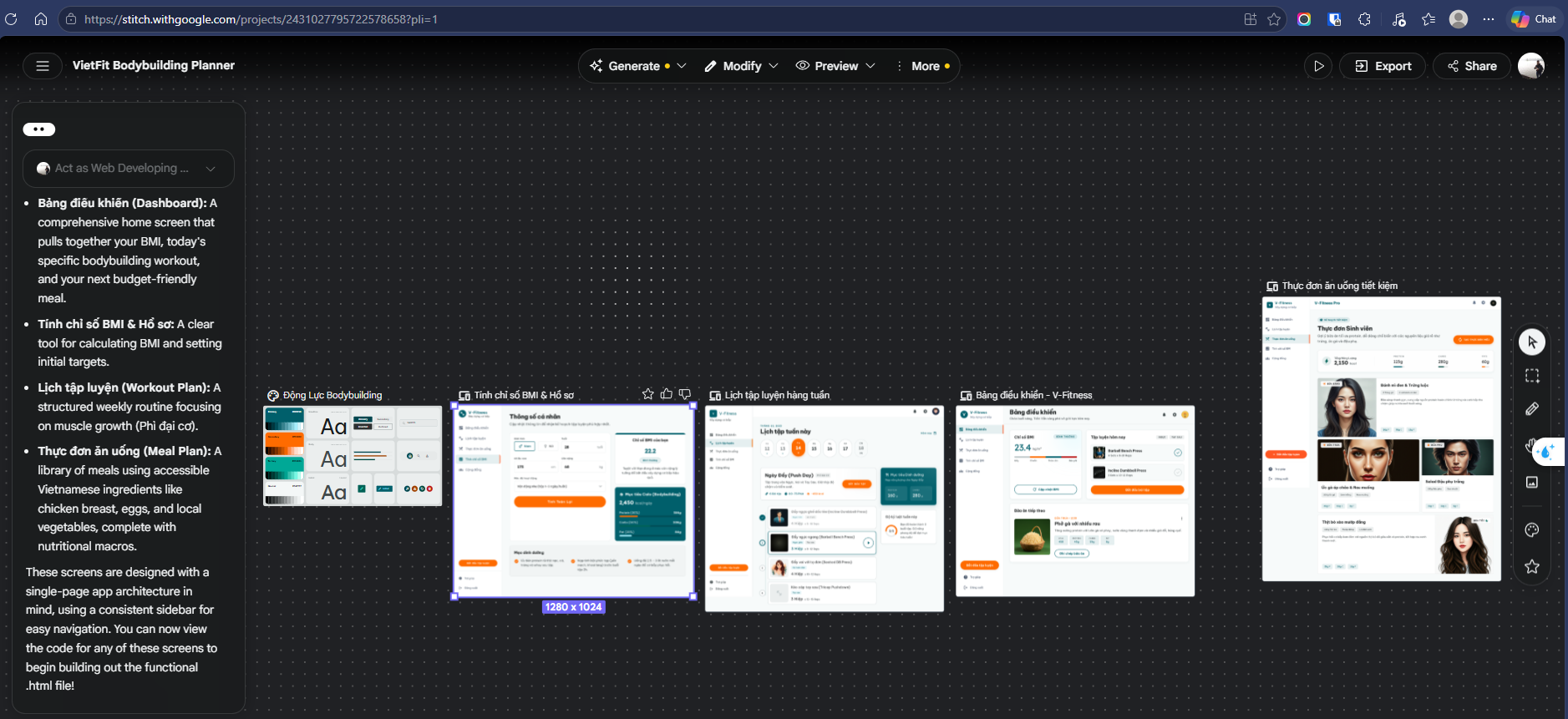
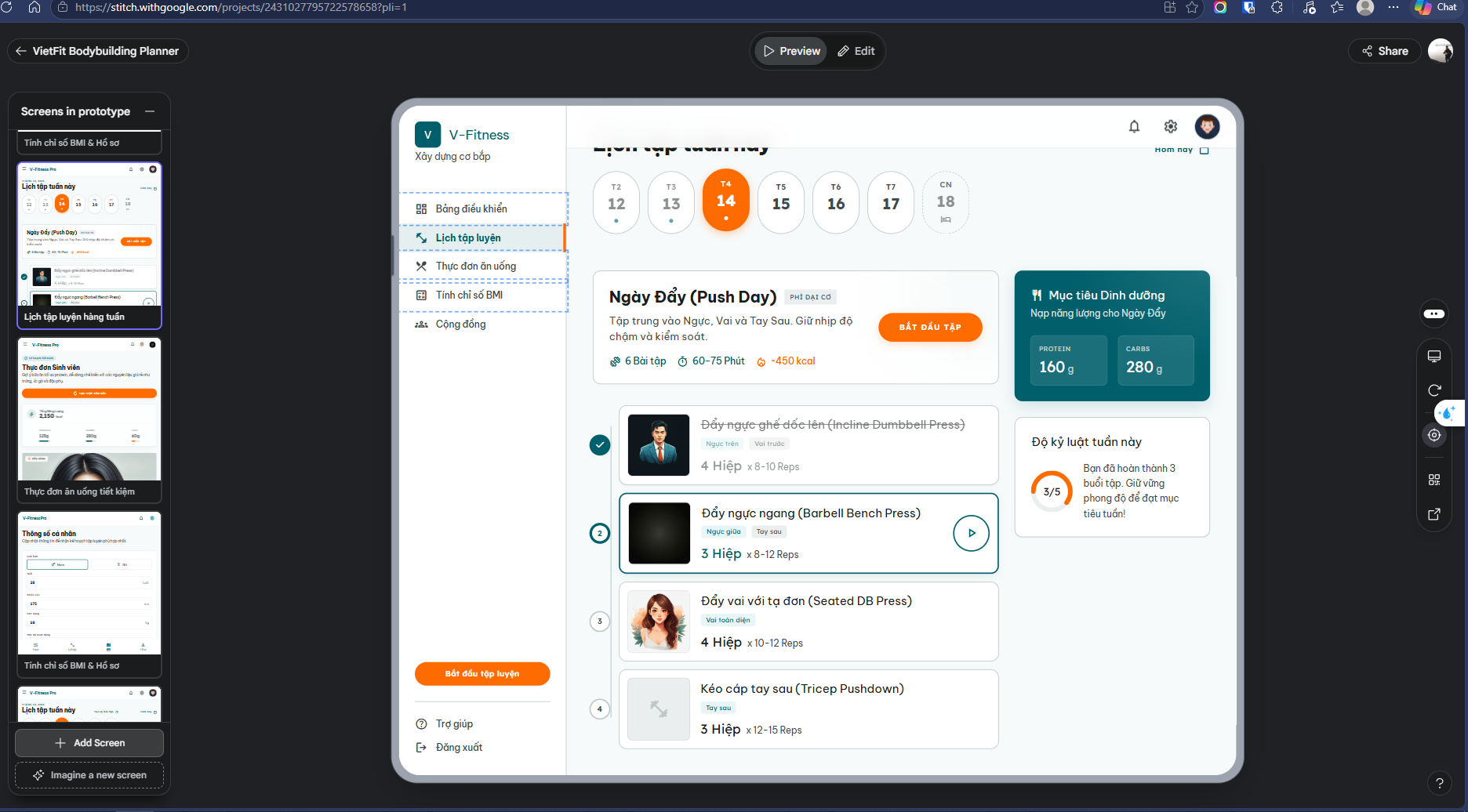
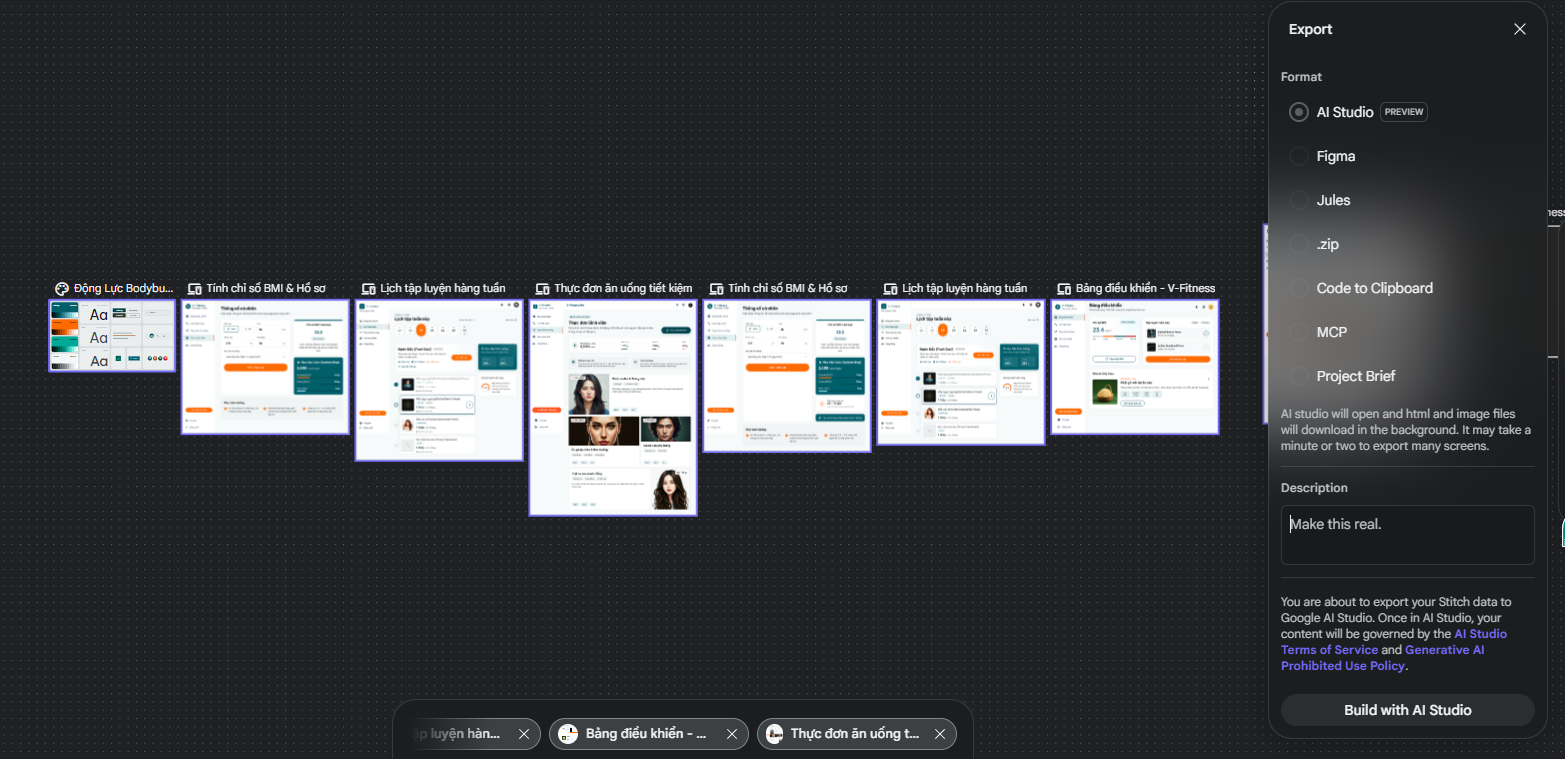
Track 3: Claude Code + Claude Kit
The full AI engineering workflow — from structured brainstorming through automated code generation. Takes more time but produces higher-quality, documented code.
Open Claude Code and ask: "Find and auto-install the Claude Kit package for me." Claude will research, locate the package, and install it step by step with no commands needed from you.
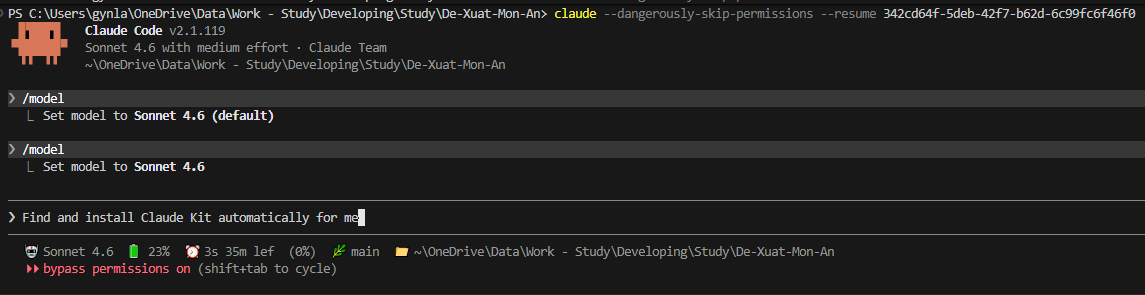
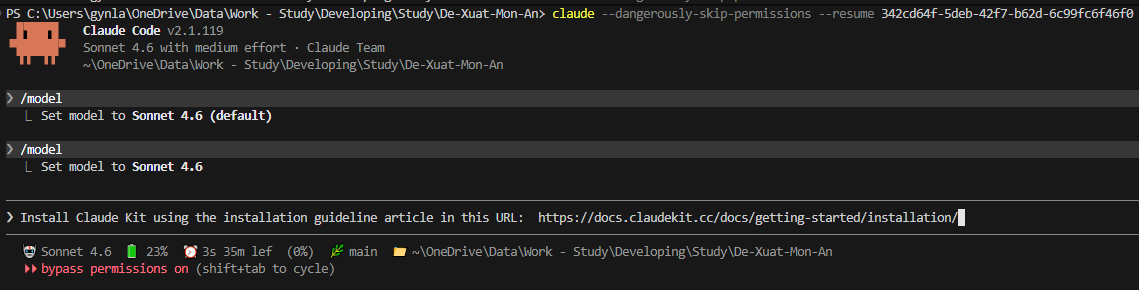
Provide Claude with the ClaudeKit documentation URL and ask it to install. Claude reads the docs and runs the correct installation commands automatically.
Run these commands directly in your terminal:
# Install with npm
npm install -g claudekit-cli

# Or with bun (faster)
bun add -g claudekit-cli
Install using npm add -g claudekit-cli command:

Install using bun add -g claudekit-cli command:

Verify installation:
ck --version
# Expected: CLI v3.41.4, Local Kit v2.13.0

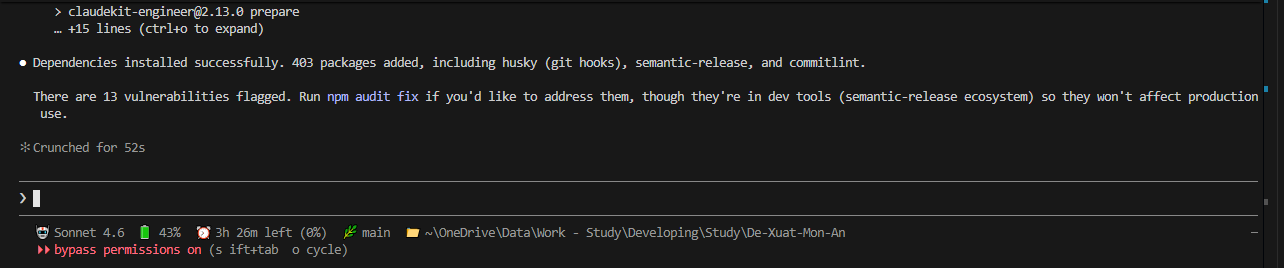
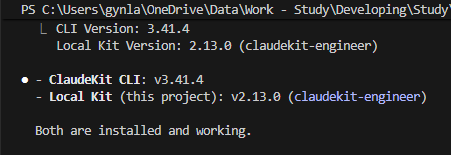
Once Claude Kit is installed, run these 6 slash commands in sequence inside Claude Code:
Step 1 — Brainstorm
Generate ideas and a high-level architecture plan:
/brainstorm Brainstorm a plan to build a fitness web app
(HTML only): BMI calculator, 7-day workout plan,
and meal suggestions for bodybuilding

Step 2 — Plan
Convert the brainstorm into a structured implementation plan:
/ck:plan & 'path\to\brainstorm.md'

Step 3 — Red-Team
Stress-test the plan to find weaknesses before building:
/ck:plan red-team & 'path\to\plan-dir'

Step 4 — Validate
Confirm the plan is solid and ready to execute:
/ck:plan validate & 'path\to\plan-dir'

Step 5 — Cook
Execute the plan — Claude builds the app automatically:
/ck:cook --auto path\to\plan.md
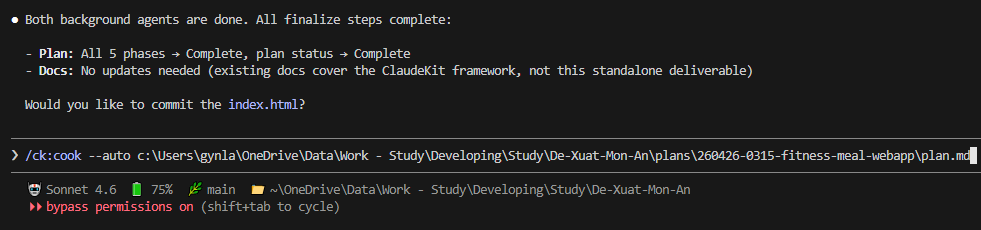
Step 6 — Docs
Generate project documentation automatically:
/ck:docs init

The Results
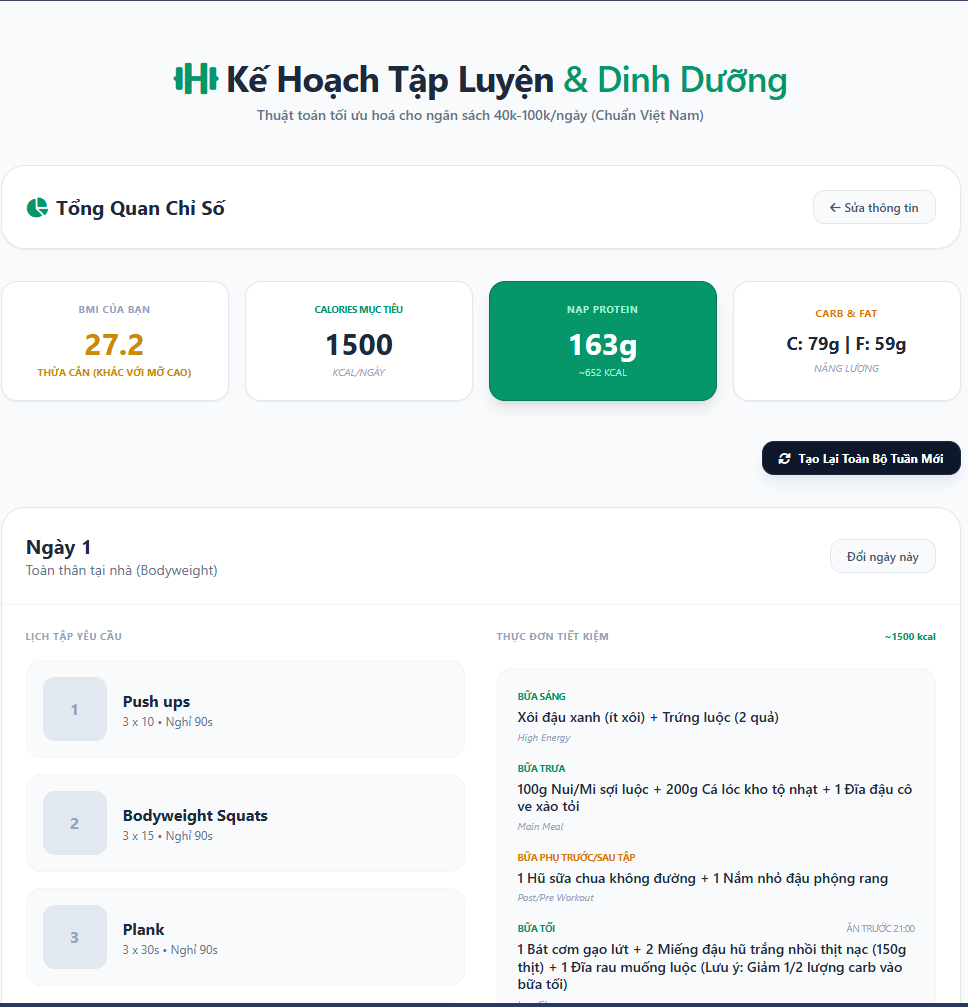
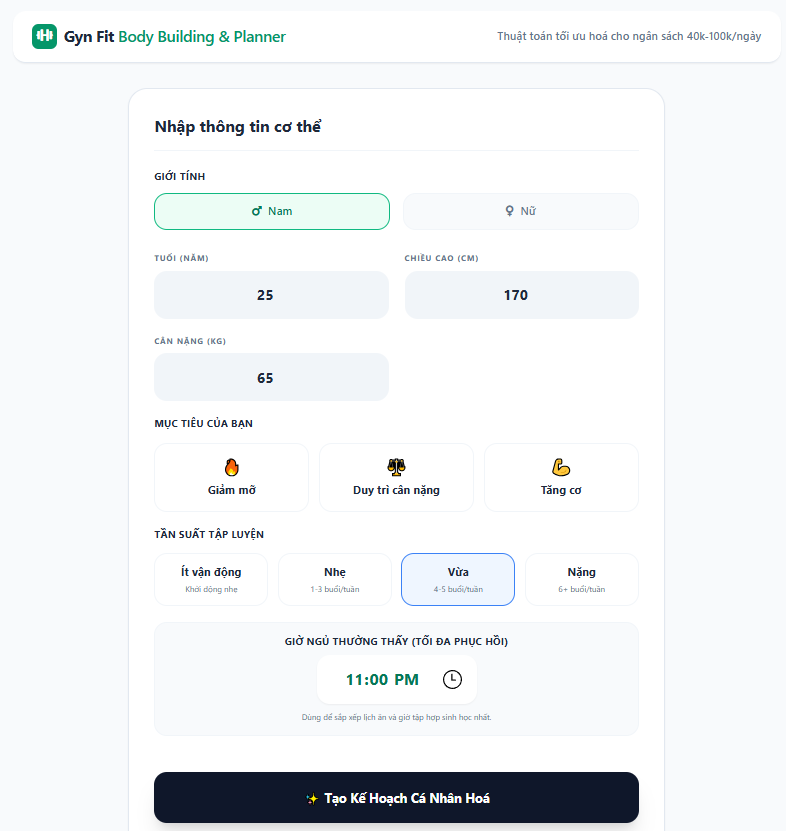
What the completed VietFit Bodybuilding Planner looks like after following any of the 3 tracks.
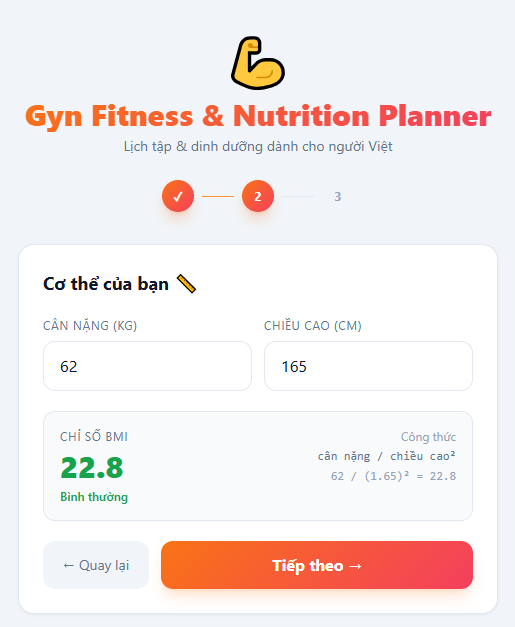
BMI: 26.8 — Thừa cân | TDEE: 1,958 kcal/day
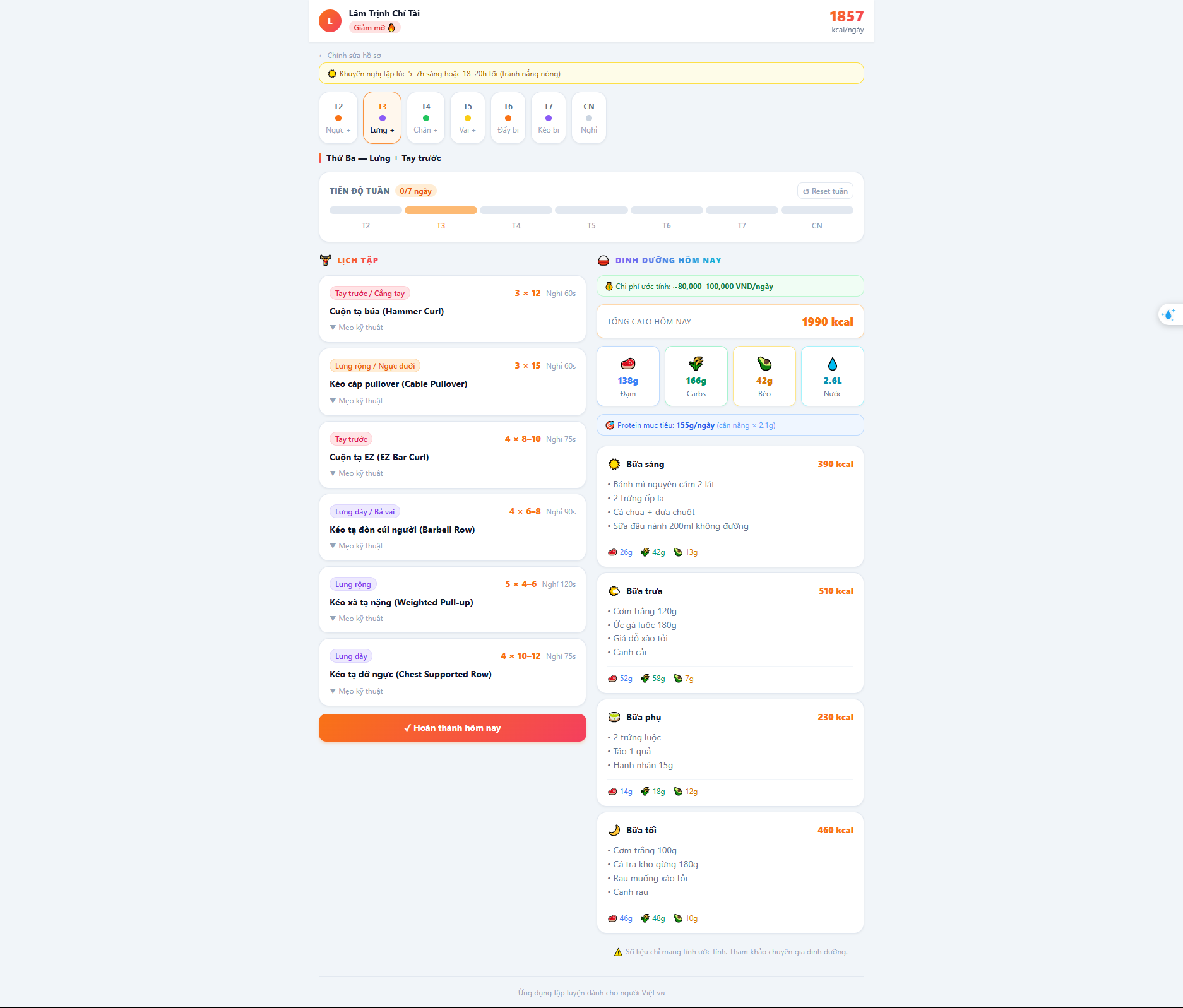
Workout Plan and Meal
Ready to Vibe Code?
Explore the theory behind this homework or dive deeper into the full Vibe Coding curriculum.
Get In Touch
Questions about this tutorial? Feel free to reach out.
gynlam328@gmail.com
Phone
+84-83314-1685
Location
Ban Co Ward - Previously known as District 3, HCMC